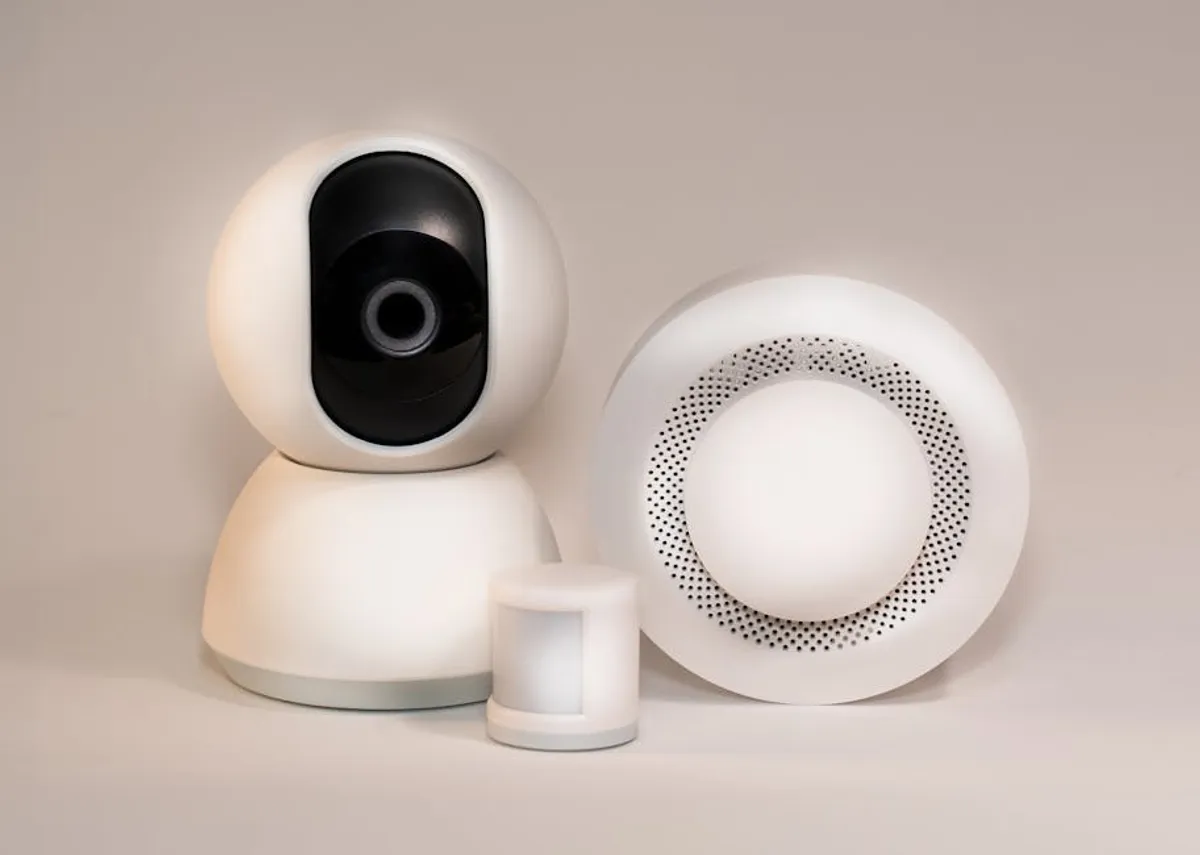
Home automation can seem daunting, but starting with sensor-based projects offers a practical entry point. These projects teach fundamental concepts like data acquisition, basic programming, and device interaction without requiring extensive network configuration or deep electrical engineering knowledge. The goal for beginners is to build functional systems that provide tangible benefits, fostering confidence and a deeper understanding of smart home principles. This guide focuses on accessible projects that use common, affordable sensors, emphasizing ease of setup, clear learning outcomes, and immediate utility. Selecting the right first project involves balancing your interest, available tools, and the desired outcome, ensuring a positive initial experience that encourages further exploration.
Key Considerations for Beginner Sensor Projects
Before committing to a specific project, evaluate several factors to ensure a smooth learning curve and a rewarding outcome.
Project Complexity: Beginners should prioritize projects with straightforward wiring diagrams and readily available code examples. Opt for single-sensor applications before integrating multiple sensors or complex logic. This minimizes troubleshooting time and focuses on core concepts.
Component Cost and Availability: Choose projects utilizing inexpensive, widely available sensors and microcontrollers (e.g., ESP32, ESP8266, Arduino Uno). High-cost or specialized components can deter experimentation and increase the barrier to entry. Ensure all necessary parts are easily sourced from local or online retailers.
Practical Utility: Select projects that solve a real-world problem or add clear convenience to your home. Tangible benefits, such as automated lighting or environmental monitoring, provide immediate gratification and reinforce the value of your efforts. This sustained interest is crucial for learning.
Learning Curve: Consider the programming language and development environment required. Many beginner projects leverage Arduino IDE with C++ or MicroPython, offering extensive community support and documentation. Projects that introduce new protocols or complex data processing might be better suited for later stages.
Safety and Power Requirements: Prioritize low-voltage projects that pose minimal electrical risk. Understand the power requirements for your chosen components and ensure you have appropriate power supplies. Avoid projects that involve direct manipulation of mains voltage unless you have professional electrical experience.
1. Automated Plant Watering System
This project introduces beginners to environmental monitoring and basic actuator control. By using a soil moisture sensor, a microcontroller can detect when plant soil is dry and automatically activate a small pump to deliver water. It teaches data reading, threshold setting, and simple output control, providing a visible and immediately beneficial result. The system can be scaled from a single plant to multiple pots, offering flexibility as skills grow.
Best For: Gardeners new to automation, those seeking a tangible project with clear environmental interaction, and learning about feedback loops.
Pros:
- Directly addresses a common household chore, offering clear utility.
- Involves simple, low-cost components (soil moisture sensor, small pump, microcontroller).
- Provides immediate visual feedback on operation (plant gets watered).
- Excellent introduction to analog sensor readings and basic motor control.
Cons:
- Requires a water reservoir and careful placement to avoid spills.
- Calibration of the soil moisture sensor can be iterative for different plant types.
- Powering the pump might require an external power supply beyond the microcontroller's direct output.
- Long-term sensor accuracy can degrade due to corrosion in some low-cost sensors.
Verdict: An ideal first project for its practical application and clear demonstration of sensor-to-actuator logic. It provides a solid foundation for understanding environmental control systems, despite minor setup challenges related to water management.
2. Smart Lighting Control with Motion Detection
Automating lighting based on presence is a fundamental home automation task. This project uses a Passive Infrared (PIR) sensor to detect movement, triggering a light (e.g., an LED strip or a relay-controlled lamp) to turn on. It demonstrates how to integrate a simple input sensor with an output device, focusing on event-driven automation. Beginners learn about digital sensor readings and basic timing functions, creating a responsive and energy-efficient system.
Best For: Enhancing convenience in hallways, closets, or utility rooms, and learning digital sensor processing and timed outputs.
Pros:
- Straightforward wiring and programming for basic motion detection.
- PIR sensors are inexpensive and widely available.
- Offers immediate energy savings and convenience by eliminating manual light switching.
- Easily expandable to control multiple lights or integrate with other sensors.
Cons:
- PIR sensors can trigger false positives from pets or drafts if not positioned carefully.
- Requires a power source for both the microcontroller and the light fixture.
- Integration with existing AC lighting requires a relay module, adding a layer of complexity and safety consideration.
- Limited functionality beyond simple on/off based on motion.
Verdict: An excellent entry point for understanding reactive automation. The project's immediate utility and relatively simple component count make it a rewarding build for beginners focused on practical energy efficiency.
3. Door and Window Open/Closed Monitor
This project leverages magnetic contact sensors to detect the open or closed status of doors and windows. When the magnetic contact is broken, the sensor sends a signal to a microcontroller, which can then notify the user (e.g., via an LED, buzzer, or simple web interface). It introduces digital input reading and state change detection, crucial for security and energy management applications. It's a low-cost way to monitor entry points.
Best For: Basic home security awareness, energy conservation by monitoring open windows, and learning about simple binary state detection.
Pros:
- Extremely simple sensors to wire and program (digital input).
- Contact sensors are very inexpensive and durable.
- Provides clear, binary feedback (open/closed).
- Offers practical value for security monitoring and energy efficiency.
Cons:
- Requires careful mounting to ensure proper alignment of the magnet and sensor.
- Limited to detecting only open/closed states, not partial openings.
- Wireless communication for notifications adds significant complexity for beginners.
- Physical installation on multiple entry points can be time-consuming.
Verdict: A foundational project for understanding digital inputs and state changes. Its simplicity and direct application to security or energy saving make it highly accessible for those new to home automation.
4. Temperature and Humidity Environmental Monitor
Using a DHT11 or DHT22 sensor, this project measures ambient temperature and humidity, displaying the data on an LCD screen or sending it to a serial monitor. It teaches beginners how to interface with digital sensors that provide multiple data points and how to parse sensor libraries. Understanding environmental conditions is a core aspect of smart homes, from HVAC control to comfort management.
Best For: Monitoring indoor climate, learning about multi-data-point sensors, and displaying information on external interfaces.
Pros:
- DHT sensors are common, affordable, and have extensive library support.
- Provides two useful environmental parameters from a single sensor.
- Excellent for learning about data acquisition and basic data display.
- Directly applicable to improving indoor comfort or protecting sensitive items.
Cons:
- DHT11 is less accurate and slower than DHT22, but DHT22 is slightly more expensive.
- Requires careful wiring to avoid common errors (e.g., pull-up resistor).
- Displaying data on an LCD screen adds complexity in wiring and coding for screen control.
- Real-time data logging or remote access adds networking requirements.
Verdict: A highly practical project that builds essential skills in reading and interpreting environmental data. It serves as a strong basis for more advanced climate control systems, despite the minor challenge of display integration.
5. Water Leak Detection System
This project uses a simple water level or leak sensor to detect the presence of water on a surface. When water is detected, the microcontroller can trigger an audible alarm (buzzer) or a visual alert (LED). It's a critical safety and damage prevention project, teaching beginners about binary sensor inputs and immediate alert systems. Early detection of leaks can prevent significant property damage.
Best For: Protecting basements, bathrooms, or areas around water heaters, and learning about critical alert systems and simple binary sensors.
Pros:
- Water sensors are extremely simple, inexpensive, and reliable for basic detection.
- Provides immediate, practical value by preventing potential water damage.
- Easy to implement with digital input pins and basic output logic.
- Can be expanded to send remote notifications with network connectivity.
Cons:
- Sensor placement is critical for effective detection.
- Requires a power source for continuous monitoring.
- Basic versions only provide local alerts; remote alerts add significant complexity.
- Some low-cost sensors can corrode over time, requiring periodic testing.
Verdict: A high-impact project for beginners due to its direct utility in preventing costly damage. It reinforces the concept of proactive monitoring and immediate response in home automation.
6. Garage Door Status Monitor
Utilizing an ultrasonic distance sensor (HC-SR04) or a magnetic contact sensor, this project determines whether a garage door is open or closed. The microcontroller processes the sensor data and can display the status on an LED or an LCD, or send a notification. This project teaches distance measurement, state logic, and the practical application of sensors for security and convenience, preventing accidental open doors.
Best For: Enhancing home security, ensuring garage doors are closed, and understanding distance measurement or robust contact detection.
Pros:
- Provides peace of mind by confirming garage door status remotely (with network integration).
- Ultrasonic sensors offer a non-contact method of detection.
- Magnetic contact sensors are robust and weather-resistant for outdoor use.
- Teaches practical application of sensors in a semi-outdoor environment.
Cons:
- Ultrasonic sensors can be affected by temperature changes or obstacles.
- Powering the microcontroller in a garage environment might require creative solutions.
- Wireless communication is typically needed for remote monitoring, increasing project complexity.
- Ensuring reliable detection across different door positions can require careful sensor placement.
Verdict: A highly practical project that addresses a common household concern. It's an excellent way for beginners to apply sensor technology to a real-world problem with clear security and convenience benefits.
7. Automated Pet Feeder
This project combines a weight sensor (load cell) or an ultrasonic sensor with a servo motor to create an automated pet feeding system. The load cell can monitor food levels, while the ultrasonic sensor can detect presence for scheduled feeding. A servo motor dispenses food at programmed intervals. This teaches beginners about precise motor control, scheduled events, and integrating multiple sensor types for a complete system.
Best For: Pet owners seeking convenience and routine for their animals, and learning about scheduled automation and motor control.
Pros:
- Provides a clear, tangible benefit for pet care.
- Involves both input (sensor) and output (motor) components.
- Excellent for learning about timing, scheduling, and precise mechanical control.
- Can be customized for different feeding schedules and portion sizes.
Cons:
- Requires mechanical construction and integration of components (funnel, dispenser).
- Calibration of weight sensors can be nuanced for accuracy.
- Powering the servo motor might require an external power supply.
- Ensuring food doesn't clog the dispenser mechanism is a design challenge.
Verdict: A challenging but highly rewarding project for beginners interested in mechanical automation. It offers deep learning in sensor integration, motor control, and system design, with a direct benefit for pet owners.
8. Smart Trash Can Level Indicator
Using an ultrasonic distance sensor (HC-SR04) mounted inside a trash can, this project measures the fill level. When the trash reaches a certain threshold, the microcontroller can activate an LED indicator or a buzzer, signaling that it's time to empty the bin. This project is a fun and practical application of distance sensing and threshold-based alerts, promoting proactive waste management.
Best For: Improving household organization, learning about distance measurement in confined spaces, and creating simple, proactive alerts.
Pros:
- Ultrasonic sensors are effective for measuring distances within an enclosed space.
- Addresses a common household inconvenience with a simple automation solution.
- Easy to implement with a single sensor and basic output.
- Provides immediate visual feedback on the trash level.
Cons:
- Requires careful mounting of the sensor to avoid interference from trash.
- The sensor can be affected by the type of trash (e.g., soft vs. hard items).
- Powering the system inside a trash can might require battery operation, with life cycle considerations.
- No direct integration with smart home platforms without added complexity.
Verdict: A creative and practical project for beginners to grasp ultrasonic sensing and threshold logic. Its novelty and clear utility make it an engaging build for understanding simple, proactive alerts.
9. Air Quality Monitoring Station
This project uses a gas sensor (e.g., MQ-2 for combustible gas, MQ-7 for carbon monoxide, or a general air quality sensor like MQ-135) to detect specific pollutants or general air quality. The data can be displayed on an LCD or sent to a serial monitor. It introduces beginners to chemical sensors and the importance of environmental health monitoring. Understanding air quality is crucial for well-being.
Best For: Health-conscious individuals, learning about chemical sensors, and understanding environmental data interpretation.
Pros:
- Provides valuable insights into indoor air quality, promoting health awareness.
- MQ series sensors are relatively inexpensive and widely available.
- Excellent for learning about analog sensor inputs and calibration.
- Can be expanded to trigger ventilation systems or alerts for poor air quality.
Cons:
- MQ sensors require a significant warm-up