I buy a lot of maker stuff to test for projects and articles. Here are 6 products I have actually used this year, with honest verdicts. None of these are sponsored. I bought them all.
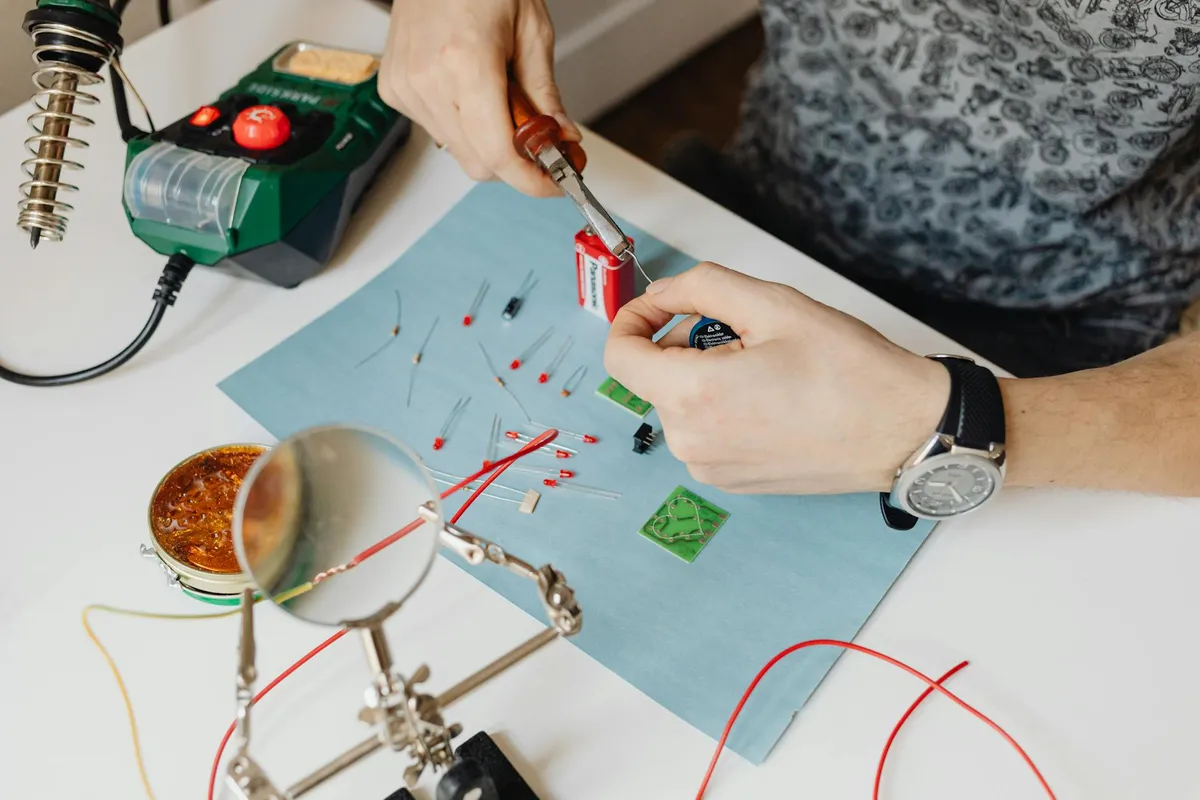
1. Pinecil V2 Soldering Iron —
Verdict: Worth it.
What works: Heats from cold to 300°C in about 12 seconds. USB-C powered (use any USB-C laptop charger). Surprisingly precise temperature control. Compact enough for travel.
What does not: Power output limited by USB-C input wattage. Tips wear faster than premium irons.
Bottom line: The best $30 in soldering. Replaces the cheap iron without spending Hakko money.
2. Saleae Logic 8 (clone) —
Verdict: Worth it (clone version specifically).
What works: Decoded I2C, SPI, UART signals reliably. Software (free Saleae Logic 2) works with the clone. 8 channels covers most needs.
What does not: Lower sample rate than real Saleae ($250). Build quality is meh. Some firmware quirks.
Bottom line: If you cannot afford the real one, the $30 clone gives you 80% of the capability. Once you exceed its limits, upgrade to real Saleae.
3. Anker 65W GaN USB-C charger —
Verdict: Worth it.
What works: Powers Pinecil iron at full output. Charges laptop and phone simultaneously. Tiny.
What does not: Two ports rather than three would be more useful. Slightly expensive vs no-name alternatives.
Bottom line: The right charger to pair with USB-C powered tools. Replaces several other chargers in my workspace.
4. KiCad 8.0 (free)
Verdict: Worth it (and it is free).
What works: Genuine professional PCB design tool. Schematic capture is excellent. PCB layout is solid. 3D viewer is gorgeous.
What does not: Steeper learning curve than commercial alternatives. Component library management is annoying.
Bottom line: The free professional alternative to expensive commercial tools. Used by serious engineers. Skip Eagle, skip Altium subscriptions, just learn KiCad.
5. JLCPCB PCB manufacturing — + per order
Verdict: Worth it.
What works: Cheap professional PCB manufacturing from China. 5 boards for $2 + shipping (~$15). Quality is excellent. Turnaround under 2 weeks usually.
What does not: Shipping time variable. Customs clearance can be slow.
Bottom line: Has revolutionized maker PCB work. The PCB itself is essentially free; you pay shipping. Order 5 of any design even if you only need 1.
6. ESP32-S3 board with JTAG debug —
Verdict: Worth it.
What works: Built-in JTAG debugging changes the development experience dramatically. Faster CPU than original ESP32. More memory.
What does not: Some library compatibility issues with original ESP32 code. Slightly higher power consumption.
Bottom line: The right ESP32 to buy in 2026. The original ESP32 is still fine but the S3 is meaningfully better.
What I would NOT buy again
Things I tried this year that disappointed:
- A cheap "smart" soldering iron with app control. The app added nothing useful. Save the money for a Pinecil.
- One particular brand of jumper wires. Broke constantly. Other brands at the same price last 10x longer.
- A trendy ESP32 board with built-in display. Display was too small to be useful. Better to use ESP32 + separate OLED.
- A "complete starter kit" with 100 components. Maybe 20 of the components were useful. The rest is drawer clutter.
The pattern across what worked
The products I love share characteristics: they do their core thing extremely well, they have active communities or open-source nature, they are reasonably priced for what they deliver.
The products that disappointed share characteristics too: heavy marketing, "smart" features that did not need to be smart, kit-style packaging that bundled what I needed with what I did not.
This is the real lesson from a year of testing: the boring focused tools usually beat the trendy multi-purpose ones.
How to evaluate before buying maker products
Questions I now ask:
- Does this do one thing well, or many things mediocrely?
- Is there an active community using it?
- What is the worst review saying?
- Is there a free or cheaper alternative that would work?
- Will I use this regularly, or once?
Not every purchase needs to pass all 5 questions. But "no" answers should give you pause.
The takeaway
Most hyped maker products are not worth the money. Most genuinely worth-it products have been around for a while and have committed user communities.
Buy the boring well-tested tools. Skip the trendy ones. Wait for community feedback before buying new products. Your maker bench will be more functional and your wallet will thank you.